
Scarlett SC-2303: INSTALLATION MICROWAVE COOKING METHODS OPERATION
INSTALLATION MICROWAVE COOKING METHODS OPERATION: Scarlett SC-2303
Table of contents
– Plug the microwave oven into a different outlet so that microwave oven and receiver are on different branch circuits.
INSTALLATION
• Make sure that all the packing materials are removed from the unit.
• Check the oven for any damage in transit:
– Misaligned or bent door and sealing;
– Housing and door window;
– Inside surfaces.
• If any damage occurs while using, switch off and unplug the oven and contact qualified service personnel.
• Place the microwave oven on a flat, stable surface, able to hold its weight with a food to be cooked in the oven.
• Do not place the oven where heat, moisture or high humidity are generated, or near flammable materials.
• Do not place anything on the oven. Do not block any openings on the appliance.
• For correct operation, the oven must have sufficient airflow. Allow 20 cm free space above the oven, 10 cm back and 5 cm from both sides.
MICROWAVE COOKING METHODS
• Arrange food carefully. Place thickest areas towards outside of dish.
• Watch cooking time. Cook for the shortest amount of time indicated and add more if needed. Food severely overcooked can smoke or ignite.
• Cover foods while cooking. Cover prevents spattering and helps to cook food evenly.
• Rearrange food such as meatballs halfway through cooking both from the top to the bottom and the center of the dish to the outside.
• Round/oval dishes rather than square/oblong ones are recommended, as food in corners tends to overcook.
OPERATION
• Plug oven to main.
• Place food into the oven and close the door.
MULTIFUNCTION REGULATOR
• Use to set current clock, time, and treatment mode.
CURRENT TIME SETTING
• The oven clock is of 24h size.
• Press “CLOCK/PRE-SET” button.
• Set current hours by turning the multifunction knob (clockwise to increase and vice versa).
• Press “CLOCK/PRE-SET” button once more.
• Set current minutes by turning the multifunction knob.
• Press “CLOCK/PRE-SET” button to confirm settings.
• Display will show entered time.
POWER
LEWELS “MICRO./GRILL/COMBI.”
• Press “MICRO./GRILL/COMBI.” and turn multifunction regulator to select mode you want.
“Micro./Grill/Combi.”
LED display
MICRO GRILL
pressing times
indication
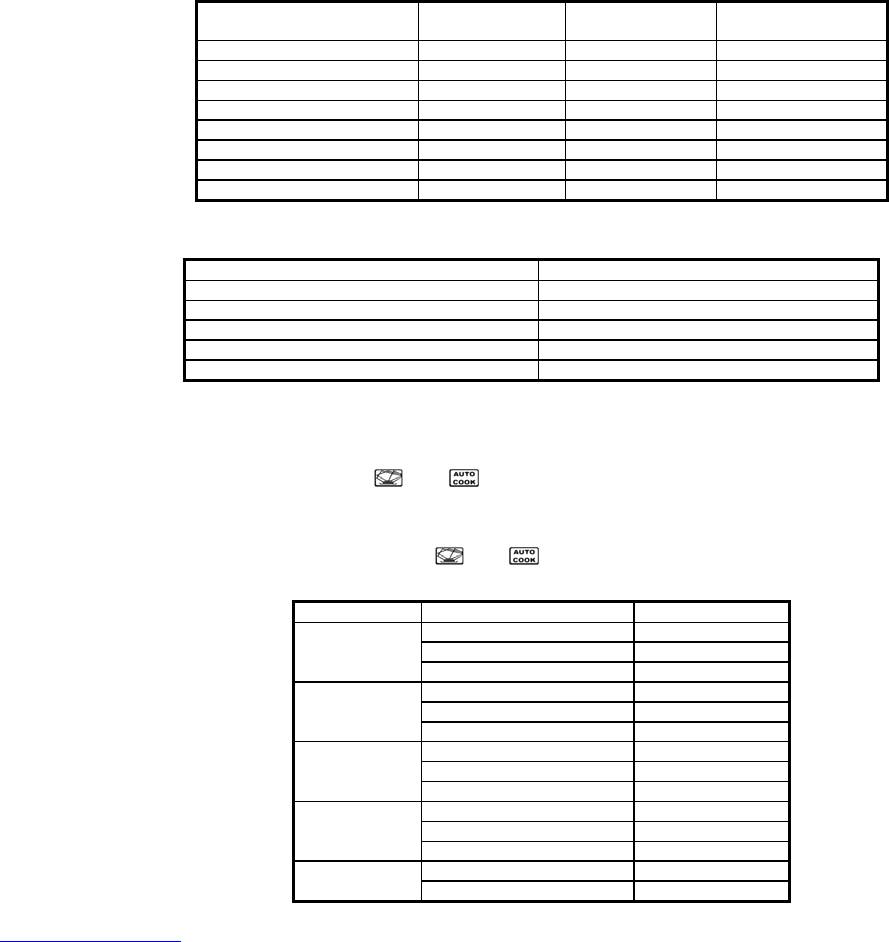
1 P: 100 100%
2 P: 80 80%
3 P: 50 50%
4 P: 30 30%
5 P: 10 10%
6 G 0% 100%
7 C - 1 55% 45%
8 C - 2 30% 70%
• Press “MICRO./GRILL/COMBI.” and turn multifunction regulator to set cooking time.
Time range, minutes Adjustmet step, seconds
0...1 5
1...5 10
5...10 30
10...30 1 minute
30...95 5 minutes
• Press ”START/EXPRESS COOK” to start cooking or "STOP/CLEAR" to cancel settings.
AUTOMATIC COOKING
• Power level and treatment duration are pre-set for some food.
• Press "Auto Menu" button. А-1 will be displayed, "
" and " " will light.
• Turn multifunctional knob to set suitable mode.
• Press "Auto Menu" button to confirm.
• Turn multifunctional regulator to select weight of the food. "g" will light.
• Press ”START/EXPRESS COOK” to start. "g" will go out, "
" and " " will flash.
Menu Weight, g Display
200
200
А-1
400
400
Auto Reheat
600
600
200
200
А-2
300
300
Vegetable
400
400
250
250
А-3
350
350
Fish
450
450
250
250
А-4
350
350
Meat
450
450
А-5
50 (+450 g of cold water)
50
Pasta
100 (+ 800 g of cold water)
100
www.scarlett-europe.com SC-2303
5


