
ZyXEL Communications ZyXEL ZyAIR AG-225H v2: instruction
Class: Professional equipment
Type:
Manual for ZyXEL Communications ZyXEL ZyAIR AG-225H v2

AG-225H v2
802.11a/g Wi-Fi Finder & Wireless USB
Adapter
Quick Start Guide
Version 1.00
Edition 1
5/2005
Table of Contents
ENGLISH 1
DEUTSCH 17
ESPAÑOL 35
FRANÇAIS 51
ITALIANO 69
РУССКИЙ 85
SVENSKA 103
繁體中文 119

ENGLISH
ENGLISH
1 About Your AG-225H v2
The AG-225H v2 is a wireless adapter that connects to the
USB port on your computer and allows you to search for and
connect to wireless networks. When the AG-225H v2 is not
connected to your computer, you can use the LCD screen to
see details of wireless networks in the area.
2 Overview
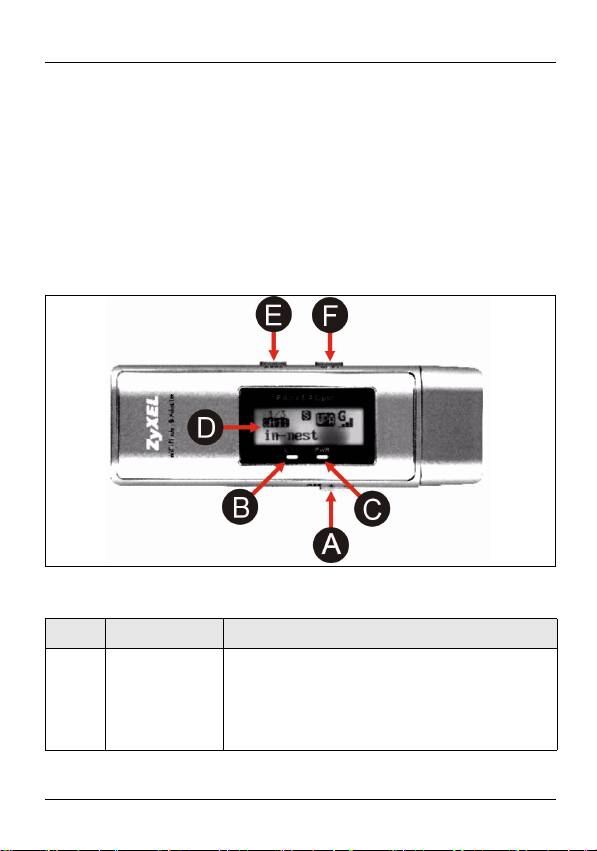
The following table describes the AG-225H v2.
Label Name Description
A OFF / ON
Move the switch to the right to turn the
switch
LCD screen on.
Move the switch to the left to turn the
LCD screen off.
1
ENGLISH
Label Name Description
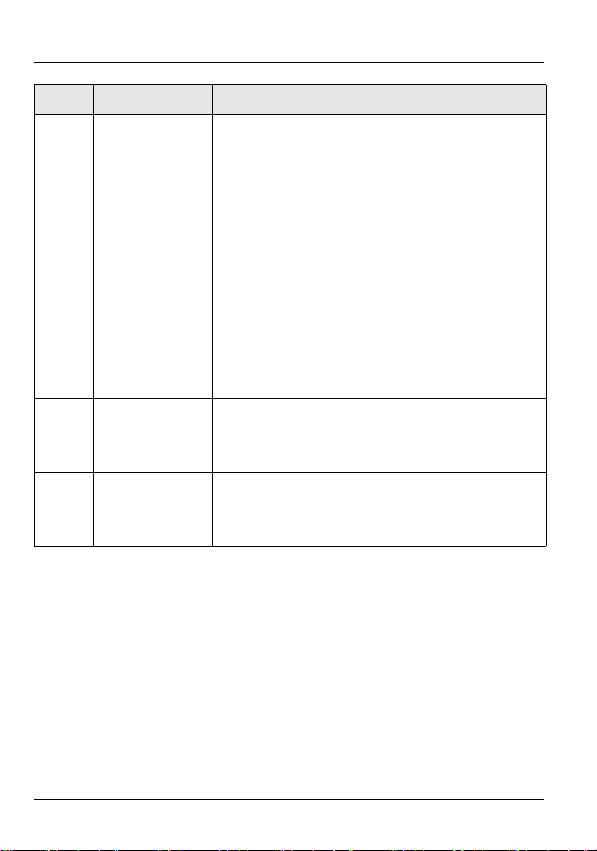
B LINK light If the AG-225H v2 is connected to a
computer and there is a wireless
network connection, this light is on and
blinks when there is traffic.
If the AG-225H v2 is connected to a
computer and there is no wireless
network connection, this light blinks
slowly.
If the AG-225H v2 is not connected to a
computer and the LCD screen is on, this
light is on when the AG-225H v2 is
searching for wireless networks.
C PWR light This light is on if the AG-225H v2 is
connected to a computer or the LCD
screen is on.
D LCD screen The LCD screen displays details of
available wireless networks one at a
time. See section 3 for more details.
2
ENGLISH
Label Name Description
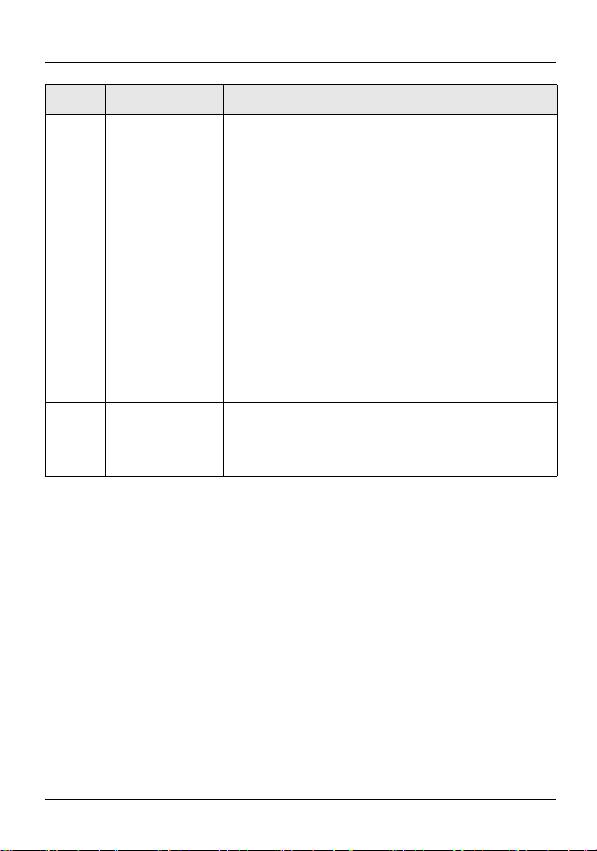
E SEEK button When the LCD screen is on, use this
button to have the AG-225H v2 search
for available wireless networks or
change detection modes.
• To search for available wireless net-
works, press the SEEK button once.
• To change detection modes, hold the
SEEK button down for one second.
Then, press the SEEK button once
to display available networks in that
mode. See section 3 for more
details.
F NEXT button When the LCD screen is on, use this
button to scroll through the list of
available wireless networks.
3
Table of contents
- 802.11a/g Wi-Fi Finder & Wireless USB Adapter
- 1 About Your AG-225H v2
- 3 The LCD Screen
- 4 Power
- 5 The ZyXEL Utility
- 6 Troubleshooting
- 7 Important Information
- 1 Über Ihr AG-225H v2
- 2 Übersicht
- 3 Das LCD-Display
- 4 Power (Ein/Aus)
- 5 Das ZyXEL-Utility-Programm
- 6 Störungsbeseitigung
- 7 Vorgehensweise zum Aufrufen einer Produktzertifizierung
- 1 Acerca de su AG-225H v2
- 3 La pantalla LCD
- 4 Corriente
- 5 l Utilidad ZyXEL
- 6 Solución de problemas
- 7 Procedimiento para ver las certificaciones de un producto
- 1 A propos de votre AG-225H v2
- 2 Présentation
- 3 L'écran LCD
- 4 Alimentation
- 5 L'utilitaire ZyXEL
- 6 Dèpannage
- 7 Procédure permettant de consulter une(les) Certification(s) du Produit
- 1 La vostra AG-225H v2
- 3 Display LCD
- 4 Alimentazione
- 5 Il programma ZyXEL Utility
- 6 Risoluzione dei problemi
- 7 Procedura per visualizzare le certificazioni di un prodotto
- 1 О Вашем адаптере AG-225H v2
- 2 Обзор
- 3 ЖК дисплей
- 4 Power [Питание]
- 5 Утилита ZyXEL
- 6 Устранение неисправностей
- 7 Процедура просмотра сертификатов изделий
- 1 Om AG-225H v2
- 3 LCD-skärmen
- 4 Ström
- 5 ZyXEL-verktyget
- 6 Felsökning
- 7 Viktig information Federal Communications Commission (FCC) Tillkännagivande om interferens
- 1 關於您的 AG-225H v2 無線網卡
- 3 LCD 螢幕
- 4 電源
- 6 低功率電波輻射性電機管理辦法
