
PRO Intellect PRO CL-400 A MULTI: 5 Error codes
5 Error codes: PRO Intellect PRO CL-400 A MULTI
5 The battery only charges when the device is turned on. The battery charging time is
approximately 4 hours.
6 Only use the adapter kit that is included with the device.
5 Error codes
Attention! Errors can occur when testing authentic wrinkled, dirty, washed, torn, taped,
or faded banknotes. Additionally, banknotes that have been exposed to harsh
environments including laundry detergent or bleach may result in errors during
authentication.
Attention! If updated versions of banknotes are released into circulation, the detector
may return an error while checking these banknotes. It is necessary to install a new
version of the detector’s software to ensure proper detection of newly released
banknotes. During the warranty period, the new software will be installed at any licensed
service center for free.
English
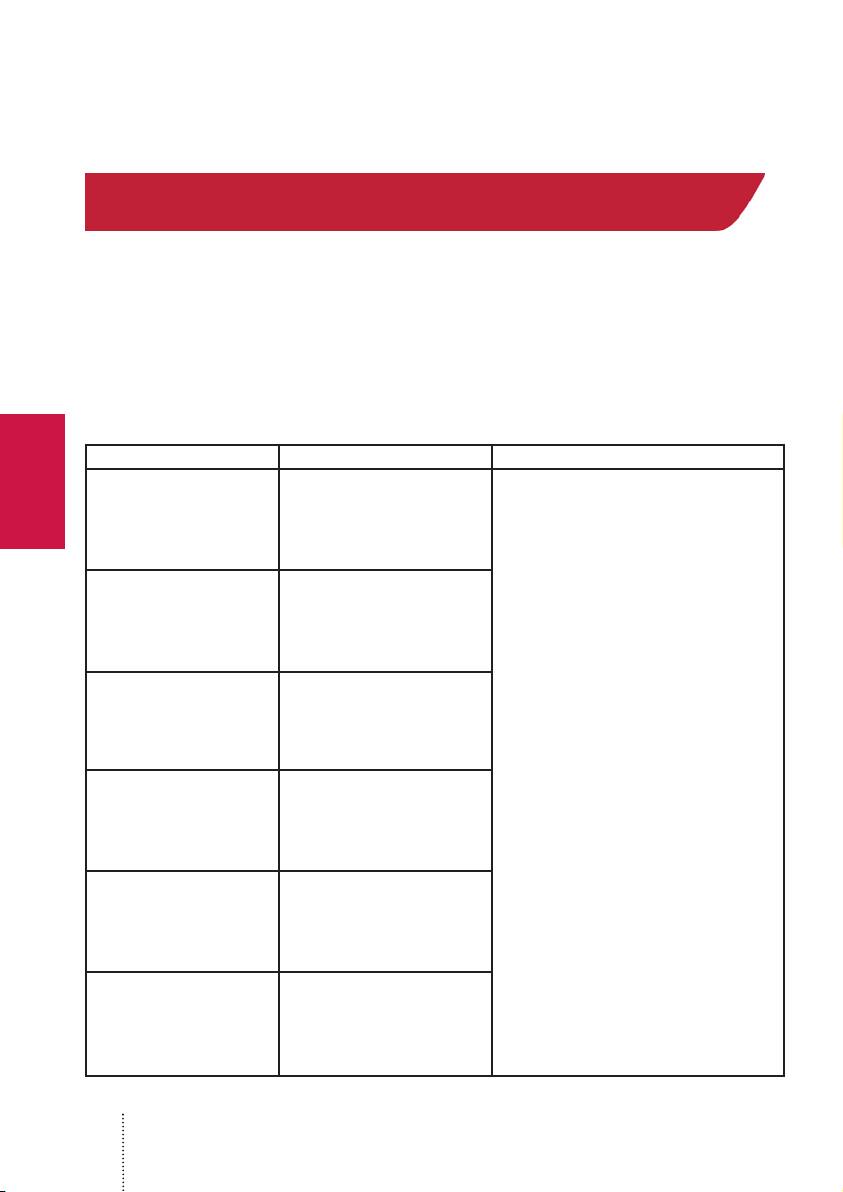
Code Reason Solution
Error with magnetic mark’s
E01, E07, E08, E09
position
Error with infrared mark’s
E02
position
Error with the banknote’s
E05
identification image
1. Check the banknote’s position on the input
tray, see Fig. 4
2. Check the banknote again. If the error
code appears again, then this banknote can
not be verified as authentic.
E03 Error with the paper’s quality
E04 Error with the banknote’s size
Error with the banknote’s color
E06
printing quality
16
Table of contents
- Deutsch
- 1 Technische Daten
- Deutsch
- 4 Betriebshinweise
- Deutsch
- Garantieerklärung
- Deutsch
- English
- 1 Technical Specifications
- English
- 5 Error codes
- English
- Warranty
- English
- Русский
- 1 Технические характеристики
- Русский
- 4 Правила установки и эксплуатации детектора
- Русский
- Гарантийные обязательства
- Русский
- Français
- 1 Spécifications
- Français
- 4 Règles d'installation et d'exploitation du détecteur, instructions de sécurité
- Français
- Obligations de garantie
- Français
- Polski
- 1 Specyfikacja
- 3 Użytkowanie
- 4 Instalacja i najważniejsze zasady Polski
- 5 Kody błędów
- Polski
- Gwarancja
- Polski
