
Logitech Rechargeable Cordless Laser Mouse for Business 1100R: instruction
Class: Household, kitchen appliances, electronics and equipment
Type: The input device
Manual for Logitech Rechargeable Cordless Laser Mouse for Business 1100R
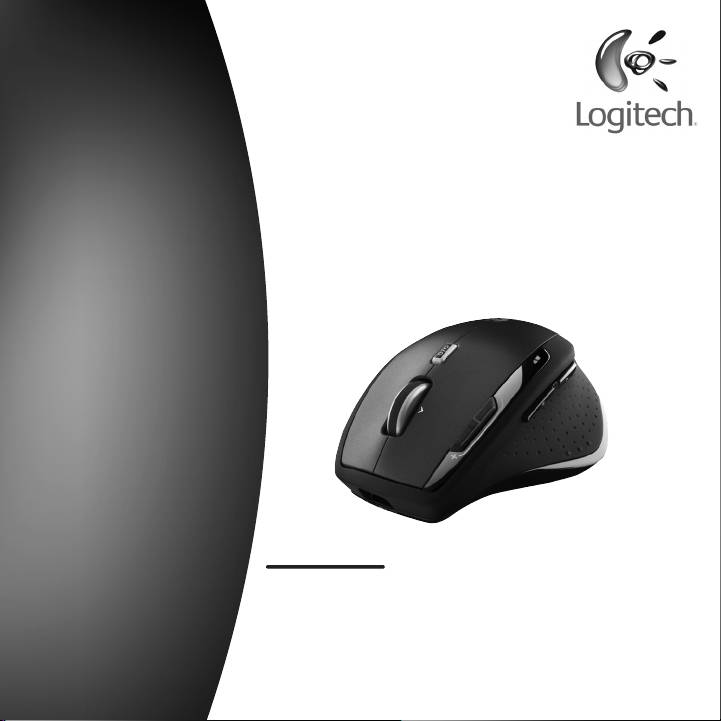
Logitech
®
TM
MX
1100R
Rechargeable Cordless
User’s guide
Laser Mouse for Business

Contents
English
Setup, 4 Features and troubleshooting, 9 Support, 111
Deutsch
Einrichten, 4 Merkmale und Fehlerbehebung, 15 Kundendienst, 111
Français
Installation, 4 Fonctions et dépannage, 21 Assistance, 111
Italiano
Installazione, 4 Funzioni e risoluzione dei problemi, 27 Supporto, 111
Características
Español
Instalación, 4
Asistencia,111
y resolución de problemas, 33
Português
Conguração, 4 Funcionalidades
Assistência, 111
e resolução de problemas, 39
Eigenschappen
Nederlands
Set-up, 4
Support, 111
en Problemen oplossen, 45
Svenska
Installation, 4 Funktioner och felsökning, 51 Support, 111
Dansk
Installation, 4 Funktioner og problemløsning, 57 Support, 111

Contents
Norsk
Kongurering, 4 Funksjoner og feilsøking, 63 Støtte, 111
Suomi
Käyttöönotto, 4 Toiminnot ja vianmääritys, 69 Tuki, 111
Ελληνικά
Εγκατάσταση, 4 Λειτουργίες και
Υποστήριξη, 111
αντιμετώπιση προβλημάτων,75
Функции и устранение
По-русски
Настройка, 4
Поддержка, 111
неполадок, 81
Üzembe
Magyar
Funkciók és hibaelhárítás, 87 Támogatás, 111
helyezés, 4
Česká verze
Instalace, 4 Funkce a odstraňování
Odborná pomoc, 111
problémů, 93
Funkcje i rozwiązywanie
Po polsku
Instalacja, 4
Pomoc techniczna, 111
problemów, 99
Türkçe
Kurulum, 4 Özellikler ve sorun giderme, 105 Destek, 111

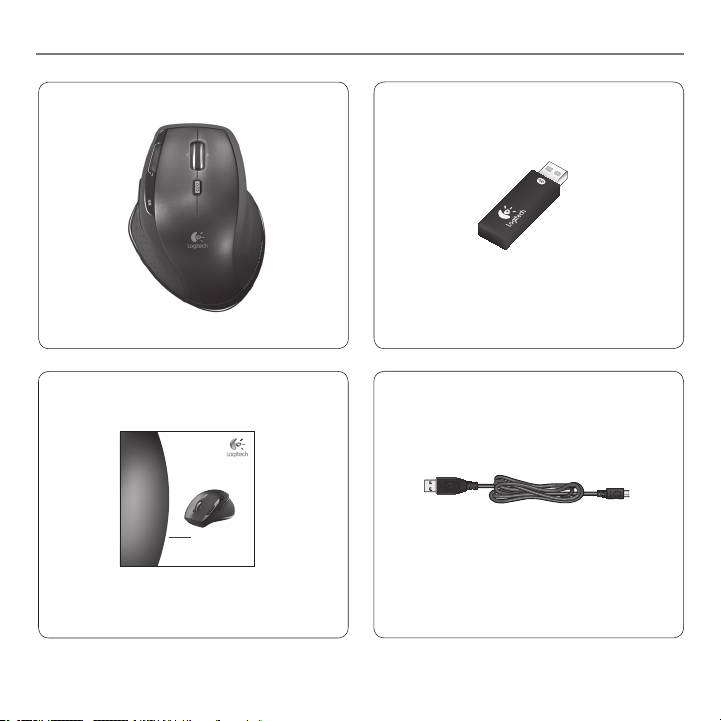
MX™ 1100R Rechargeable Cordless Laser Mouse
5
Logitech
M X 1 1 0 0 R
U s e r ’ s g u i d e
R e ch a r g e a b l e C o r d l e s s
L a s e r M o u s e f o r B u s i n e s s
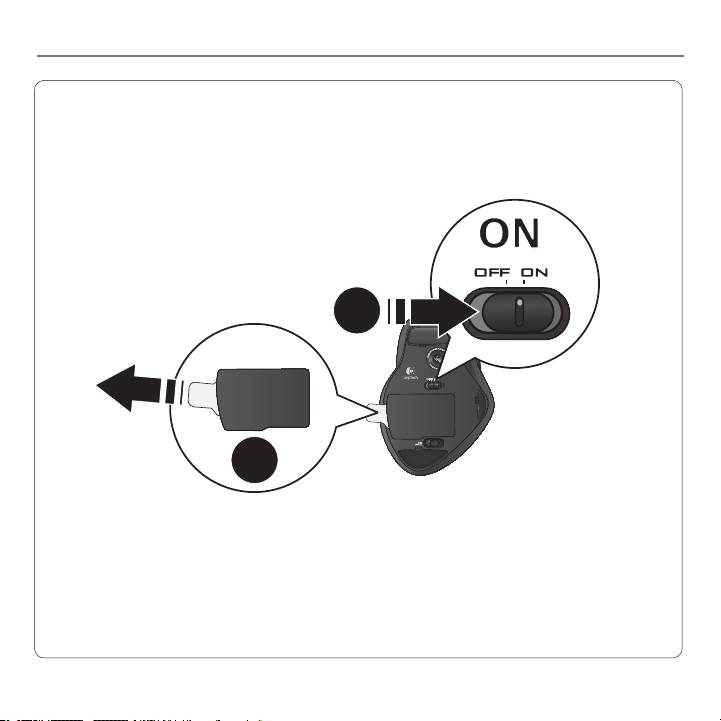
MX™ 1100R Rechargeable Cordless Laser Mouse
6
16--
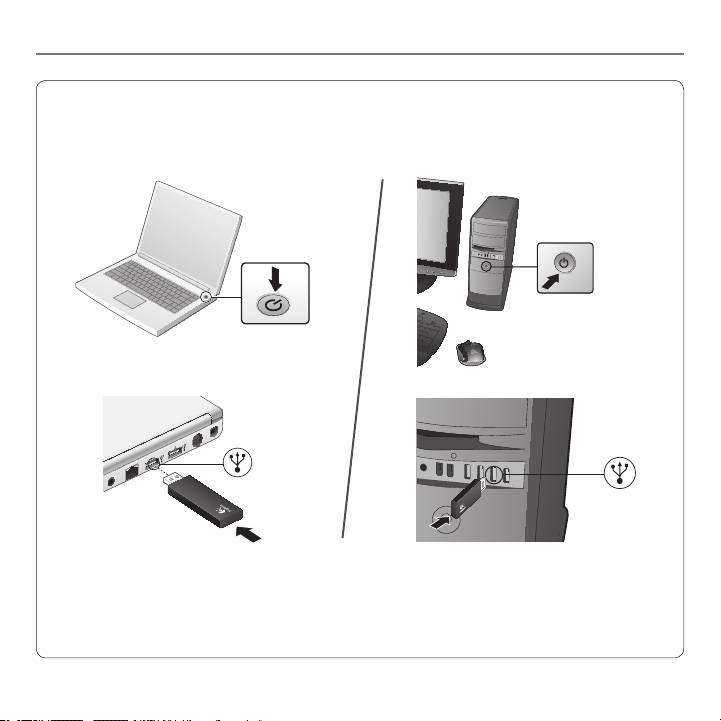
MX™ 1100R Rechargeable Cordless Laser Mouse
USB
USB
7
MX™ 1100R Rechargeable Cordless Laser Mouse
8
User’s Guide
English 9
64#
Recharging the NiMH mouse battery
Start using your mouse •
immediately, right out
of the box; there’s no
need to recharge the
battery.
Continue using your •
mouse while it recharges;
there’s no downtime.
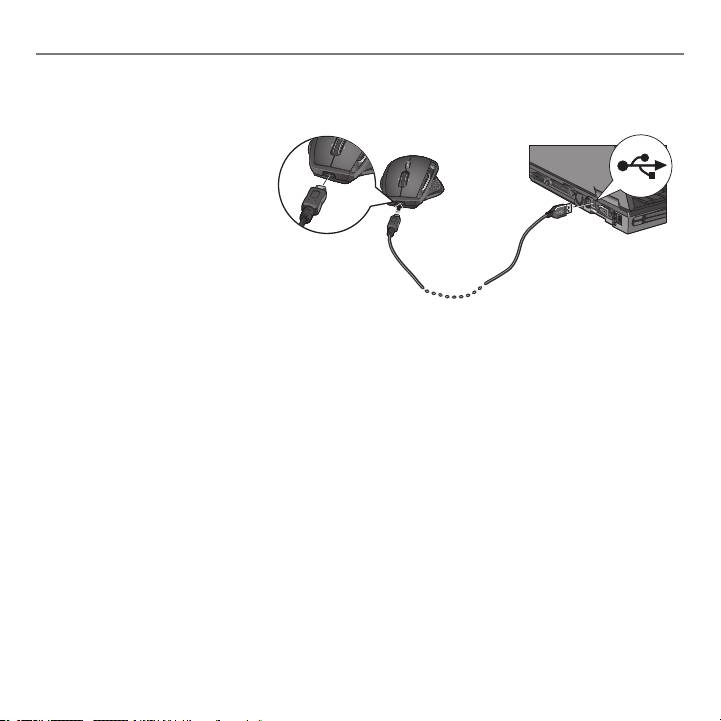
Recharge your mouse when the mouse battery-indicator light blinks red. (See •
diagram for cable connection.)
Battery-indicator light blinks green while the battery recharges. The battery is fully •
recharged when the battery-indicator light turns solid green.
A full charge (about 7 hours of charging time) provides about 6 weeks of battery •
power.
Minimum charge (about 15 minutes) provides one day of battery power.•
Intelligent charging system allows for partial charging sessions without damaging •
the battery.
Use only NiMH replacement batteries, size AA R6 with a minimum of •
1800 mA. Do not use an alkaline battery in the mouse.
Caution• : Risk of explosion if battery is replaced by an incorrect type.
Use and replace only with the same type and rating as the battery provided.
Charge only with a standard USB power outlet.
